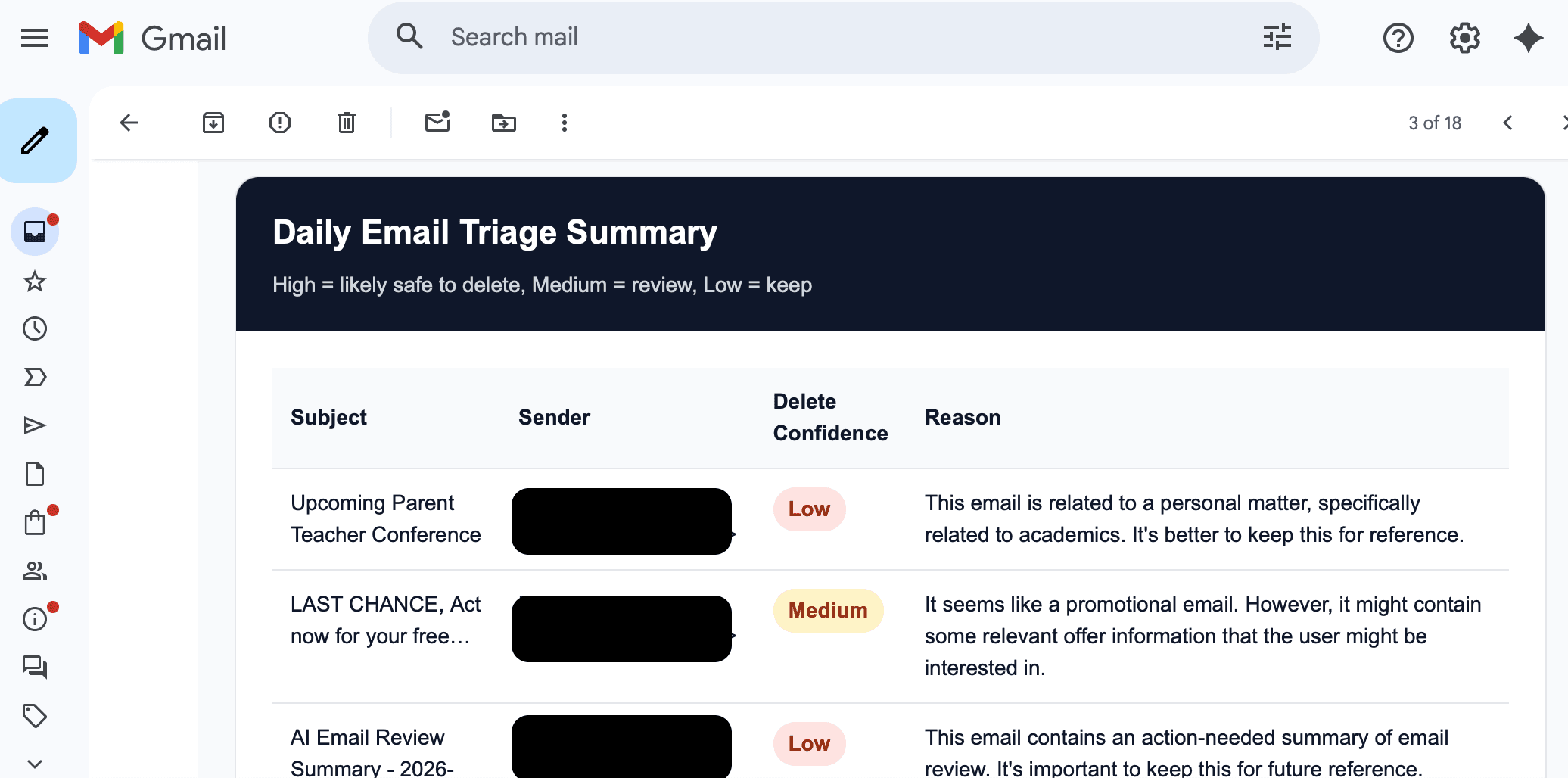
AI Inbox Cleanup Agent
This workflow uses n8n, Gmail, and OpenAI to review incoming emails, score how likely they are safe to delete, and send a structured daily summary. Below is a step-by-step walkthrough of how the workflow is set up.
Full Workflow
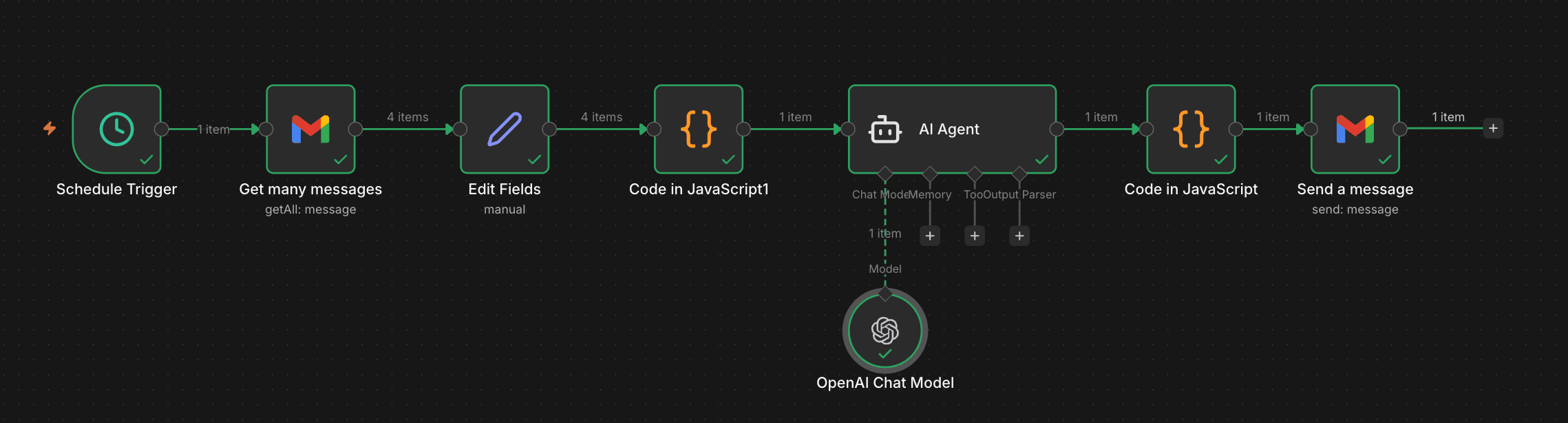
Workflow for distribution coming soon.
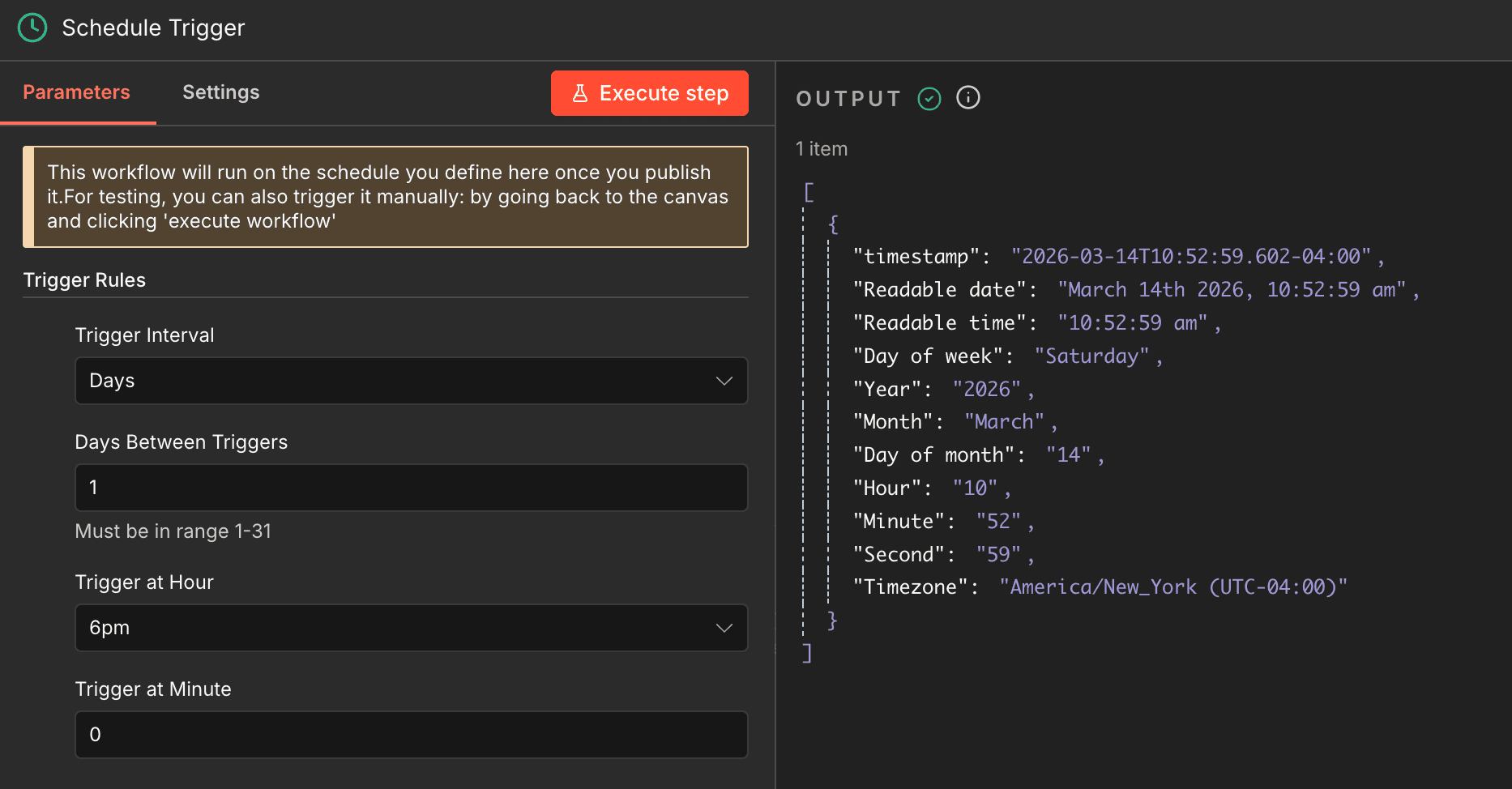
Step 1 — Add the Schedule Trigger
Start the workflow with a schedule trigger so it runs automatically at the same time each day. In this case, the workflow is designed to send a recap in the evening after the day’s emails have come in.
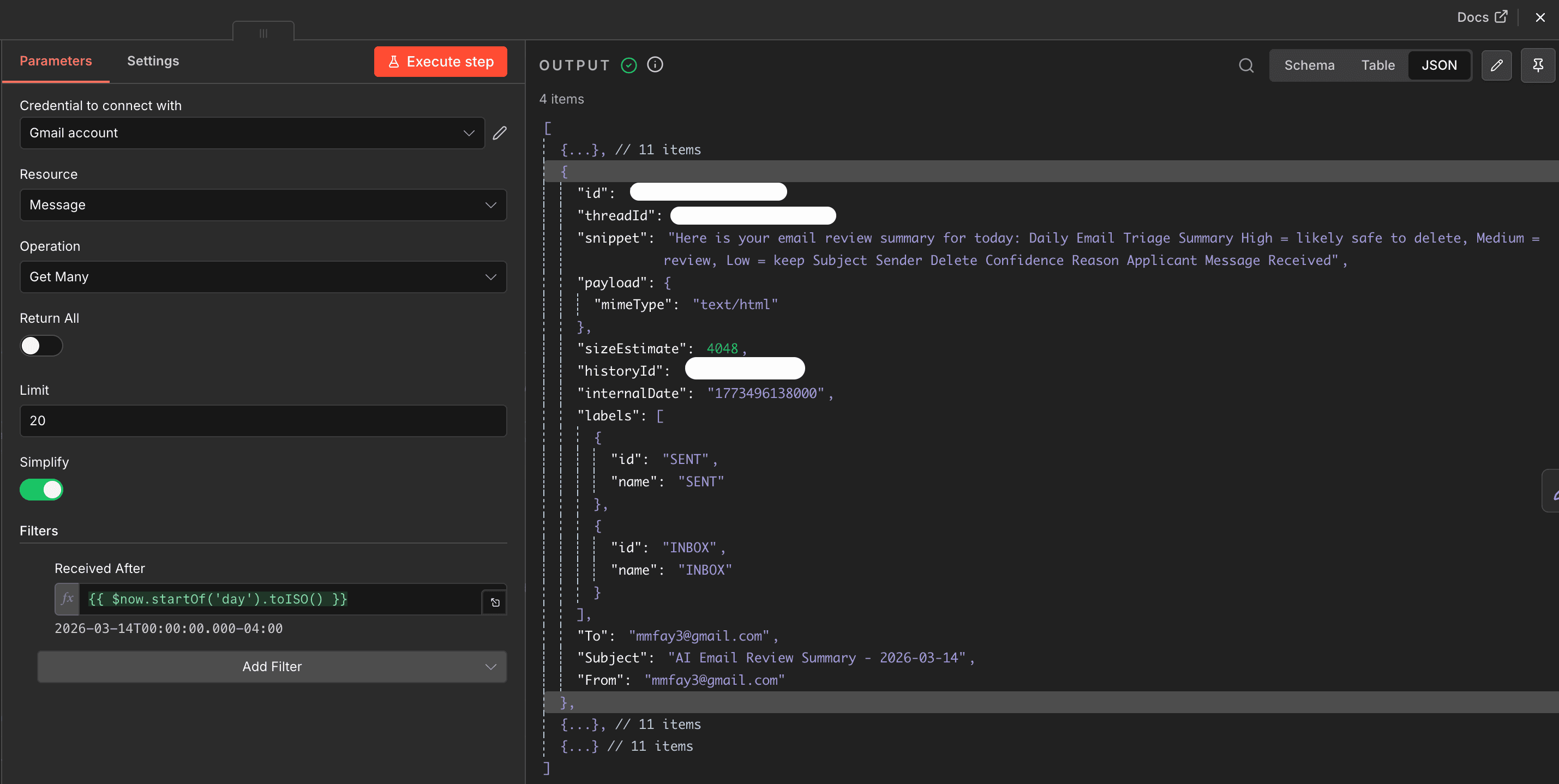
Step 2 — Retrieve Emails from Gmail
Add a Gmail node to pull in the emails you want the workflow to review. This step is where you define the message scope, such as recent emails or messages received within the current day.
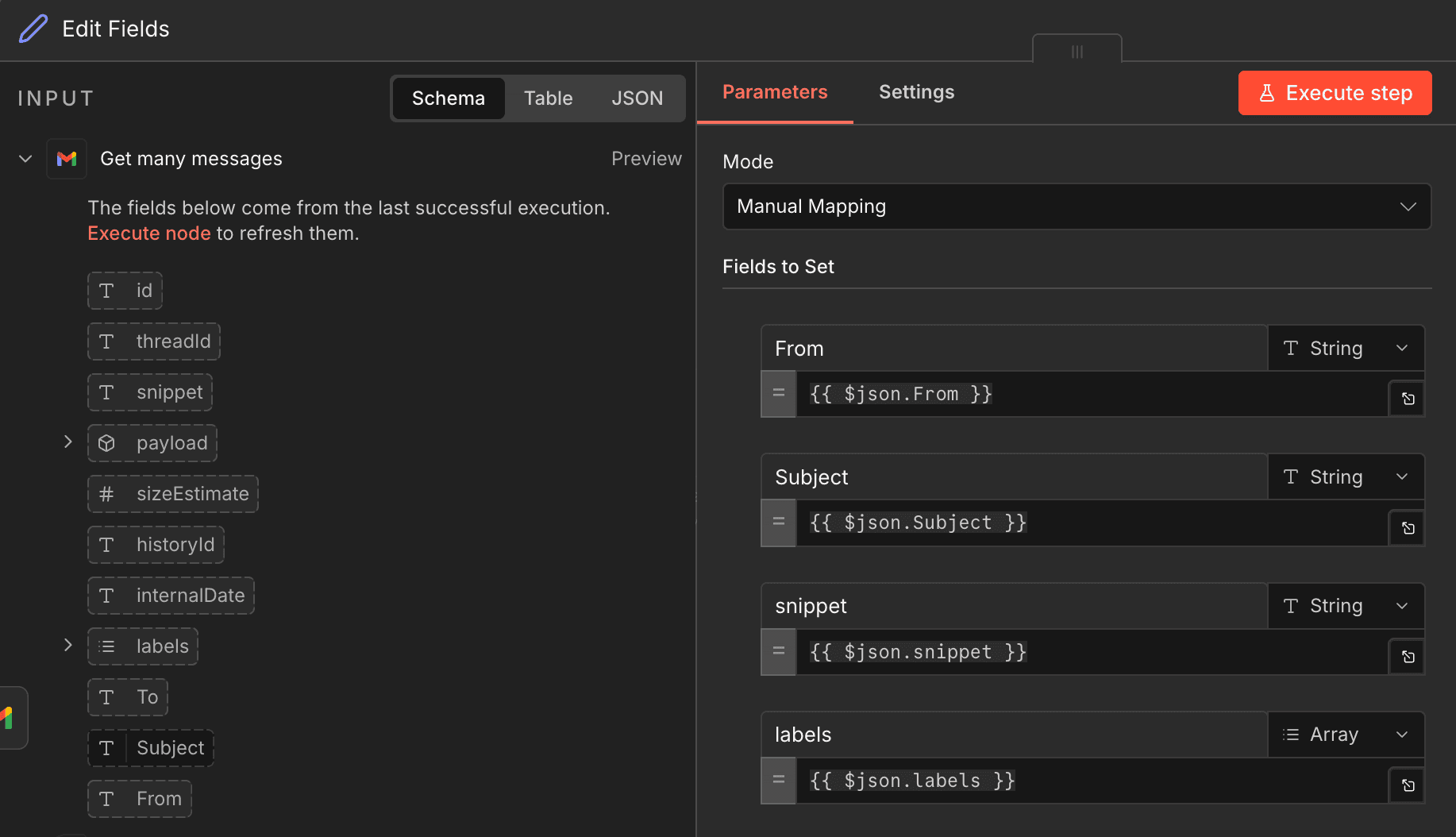
Step 3 — Edit and Prepare the Fields
Use an Edit Fields node to shape the data before sending it to the model. Keep only the parts that matter most, such as sender, subject, snippet, and received date, so the AI gets clean and focused input.
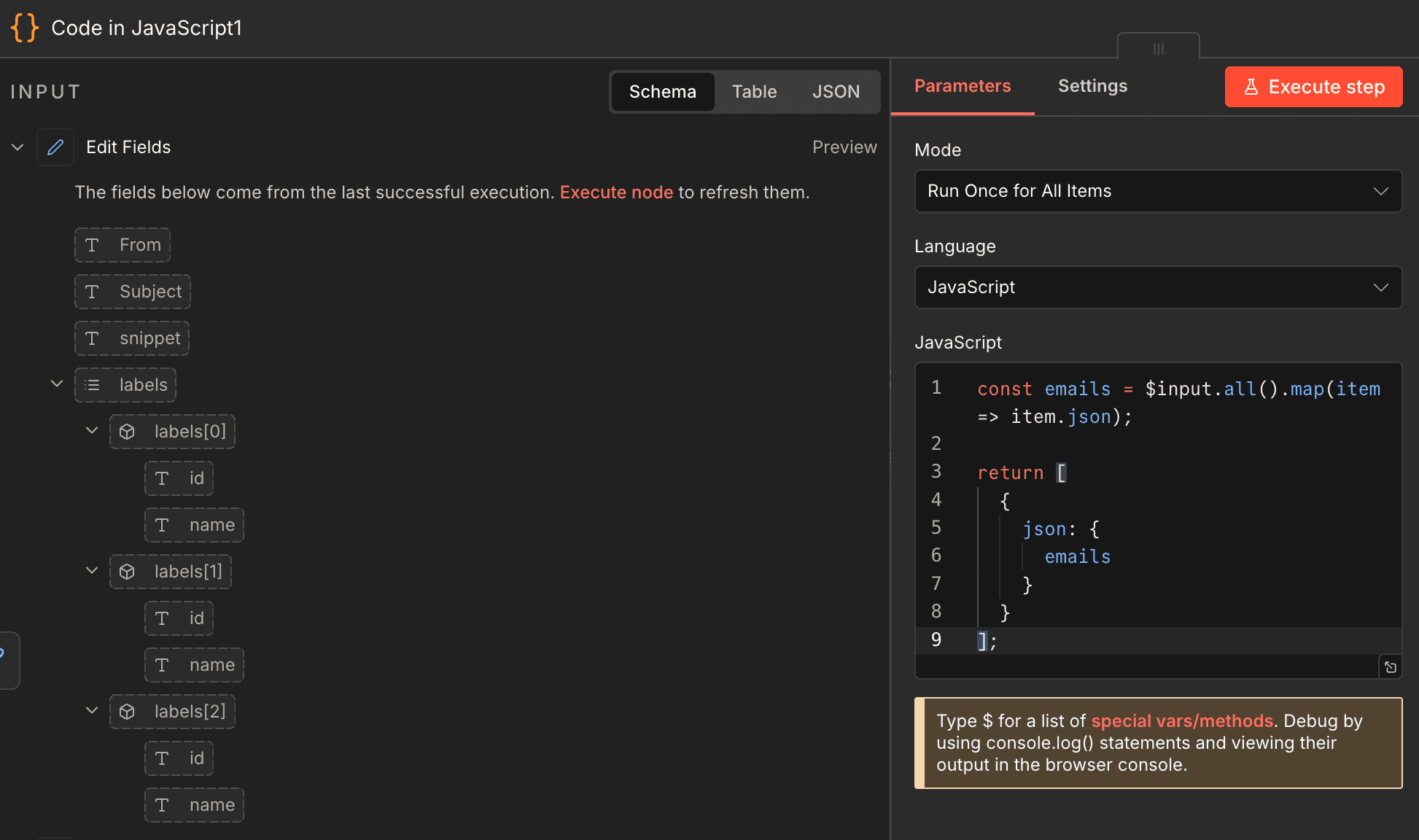
Step 4 — Format the Email Data with Code
Add a JavaScript code node to organize the email content into a cleaner structure for the AI model. This step can combine fields, simplify text, and prepare a consistent payload for classification.
Step 5 — Configure the AI Agent
Connect the formatted email data to the AI Agent node and define the prompt so it evaluates whether each message is likely safe to delete. This is where the reasoning logic lives, including confidence scoring and response structure.
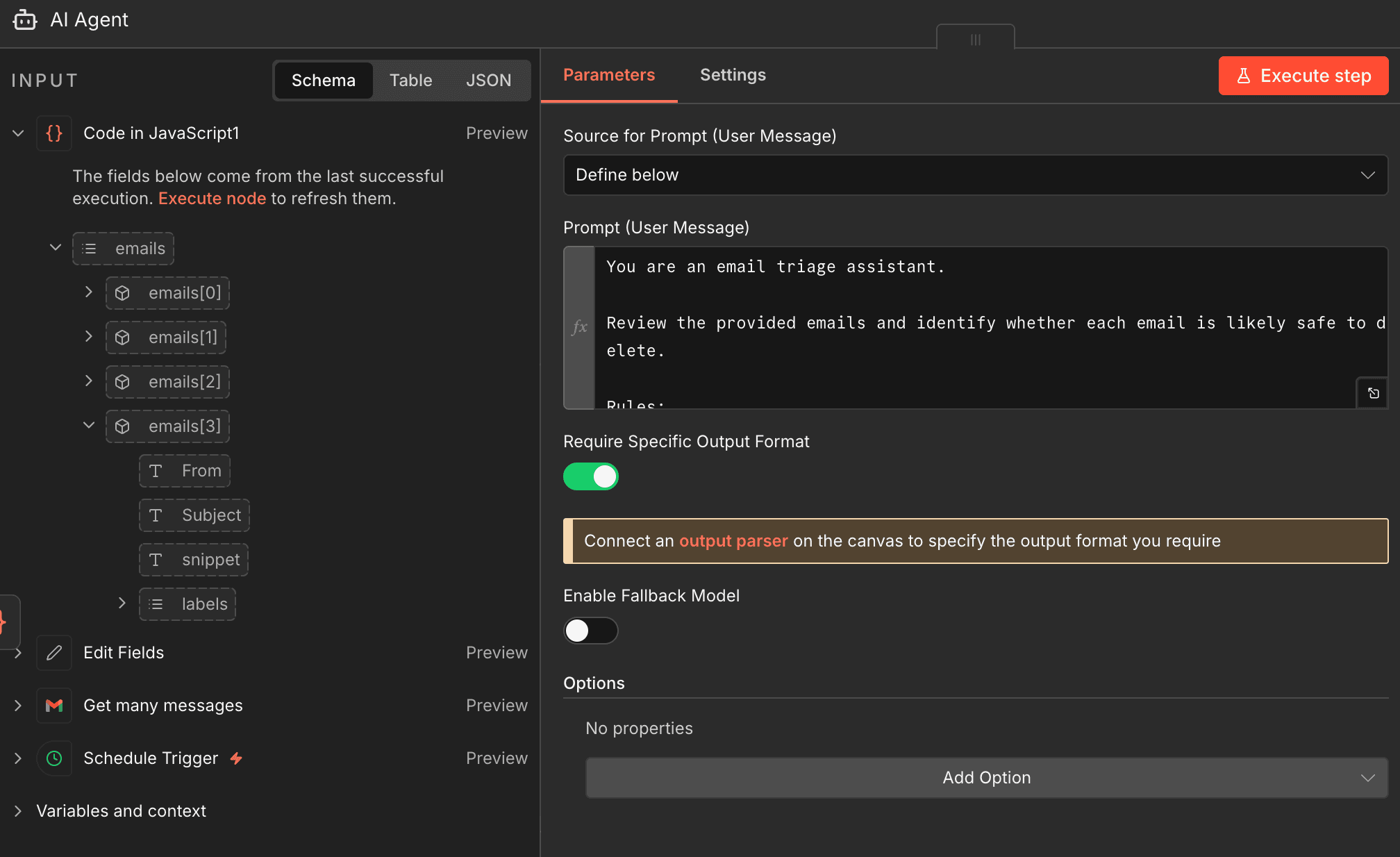
You can also connect the OpenAI Chat Model here so the agent has the model it needs to process the email content.
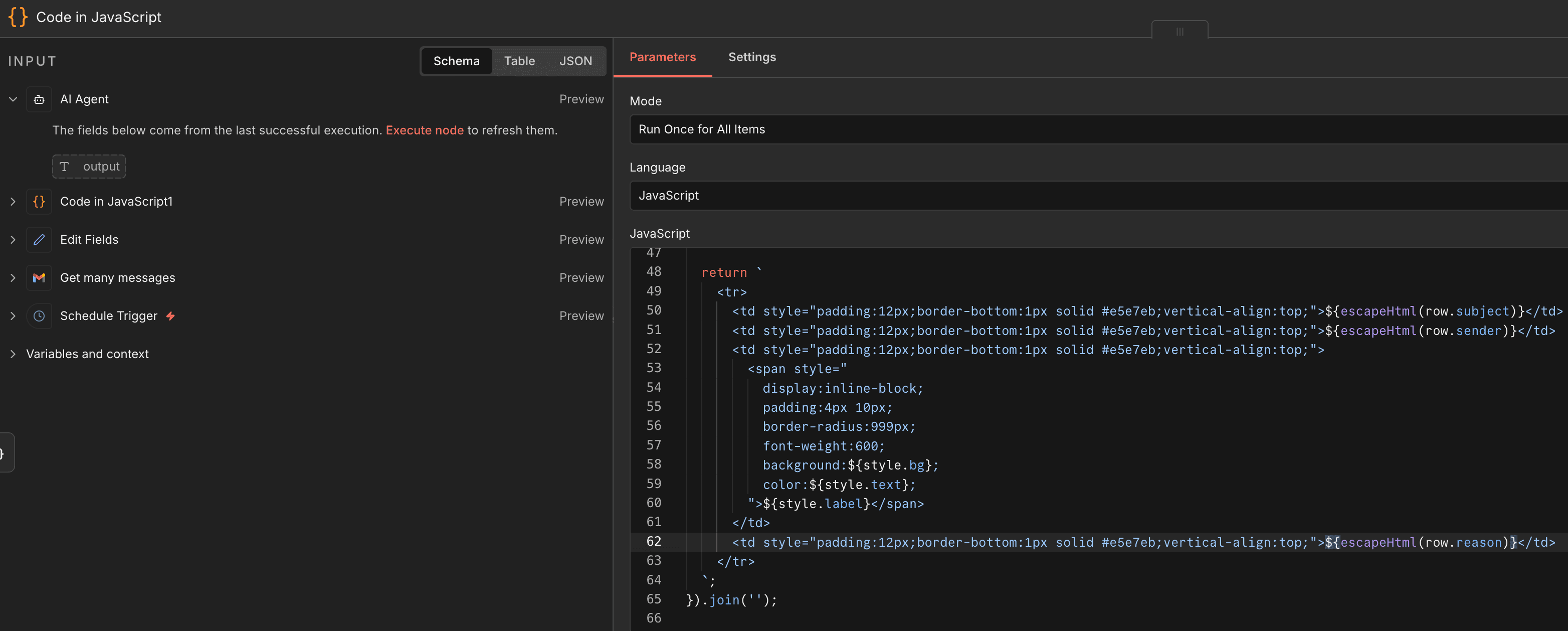
Step 6 — Shape the Output for Readability
After the AI returns its classifications, use another code node to format the output into a readable summary. This is a good place to organize the results into a table-like structure, confidence groupings, or clean HTML.
Step 7 — Send the Summary Back Through Gmail
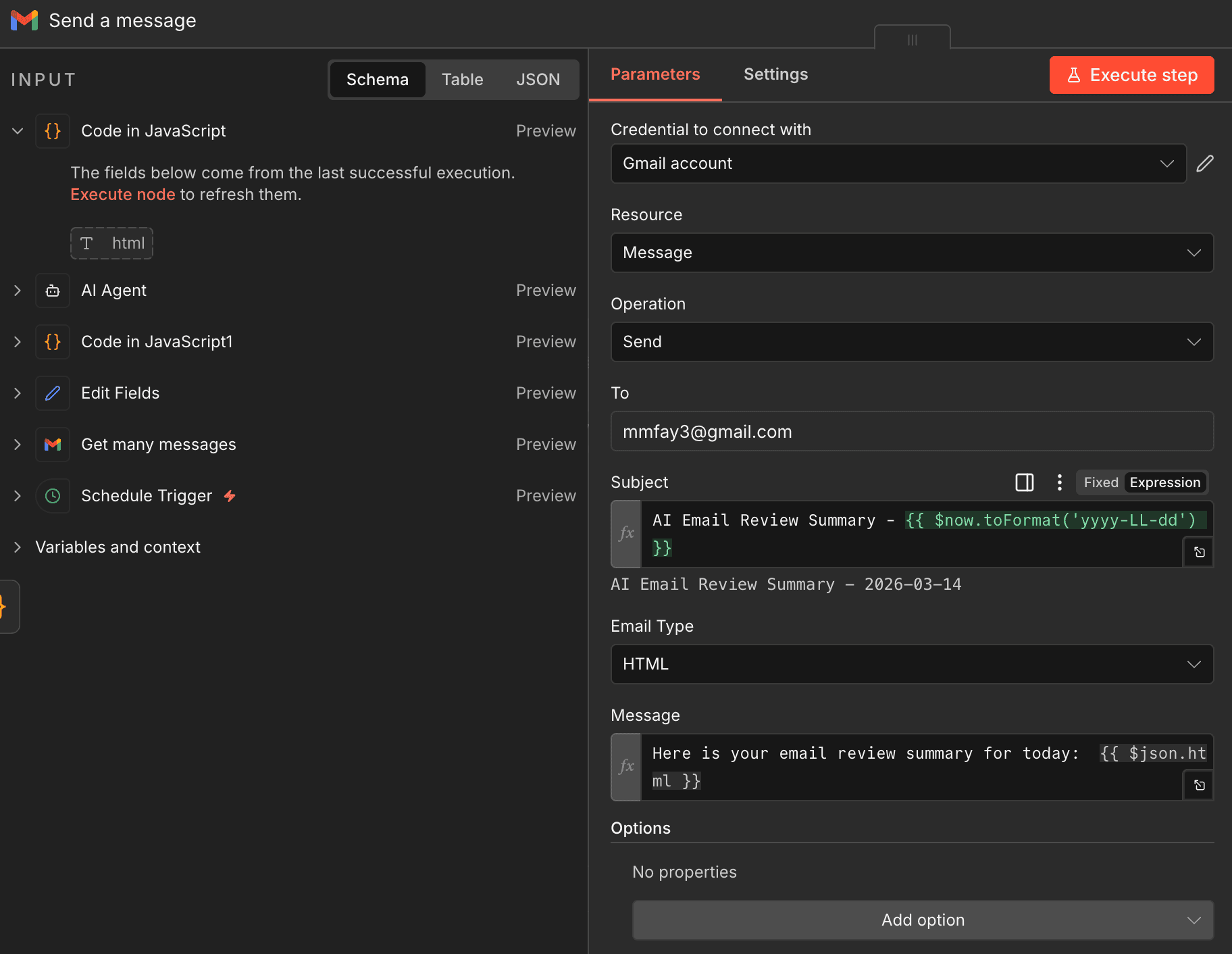
Finish the workflow with a Gmail send node that emails the recap to you. This keeps the final decision with a human while still saving time on inbox review and prioritization.
Recap
- This version keeps humans in the loop before any delete action is taken.
- The workflow can be extended later with approval-based cleanup.
- You can also expand the classifications into keep, archive, follow-up, or unsubscribe.
- Workflow for distribution coming soon.